
TheRetroArcade
Veteran
Posts: 11,046
Joined: Feb 2026
Joined: Feb 2026
The two CS2 players I spoke to seem to agree.
When you purchase through links on our site, we may earn an affiliate commission. Here’s how it works.
A few months ago I made the case that a 360 Hz refresh rate on your monitor is the sweet spot for competitive FPS before diminishing returns kick in. I had nothing but my own testing and a big bottle of 'trust me bro' back then, but I've now spoken to a couple of Counter-Strike 2 pros and I remain convinced I was right.
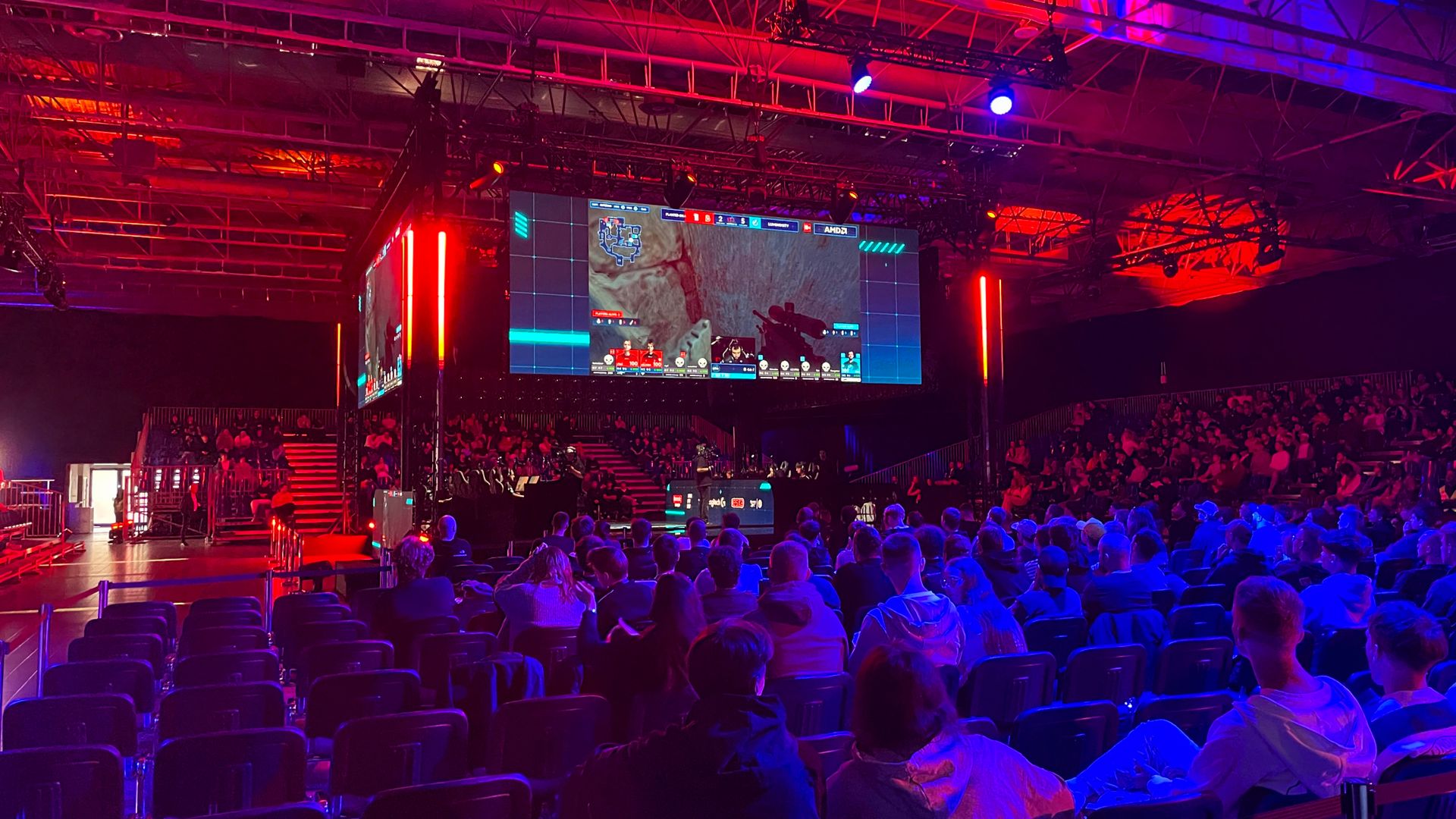
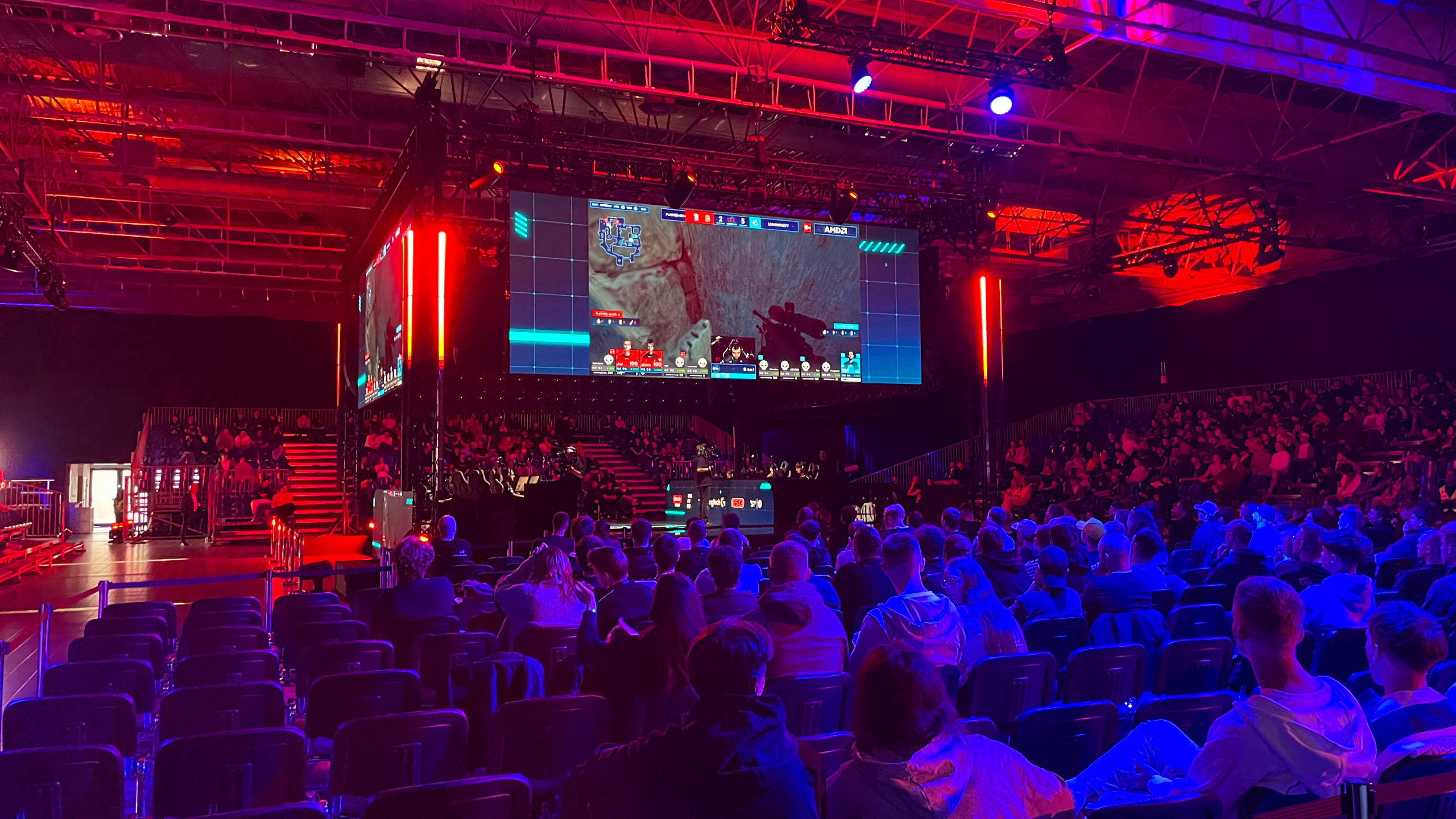
At Logitech's G Play event (featuring a Counter-Strike 2 tournament) in Warsaw earlier today, I spoke to Oscar Bell, AKA 'Azuwu', and Simon Boije, AKA 'yxngstxr'. Both currently play for Luminosity, a team that particularly tugs at my CS2 heart strings given it was very big circa 2016 when I was still lapping up the tailwinds of CS:GO novelty.
Regarding refresh rates, Azuwu tells me: "When I had 240 at home, I didn't even really notice 360. But now I'm 360 I can't go back down, you know, I feel it a lot. So I think 360, 400, 600 are all pretty similar... I'd say 400 is a nice spot and 600 is extra nice. But anyway, in a lot of PCs, you won't hit 600 frames."
And Yxngstxr says: "I think it's kind of a placebo, personal thing, you know? Because on most PCs you rarely get 600 fps, right?... 600 Hz with like 300 fps, it doesn't even matter."
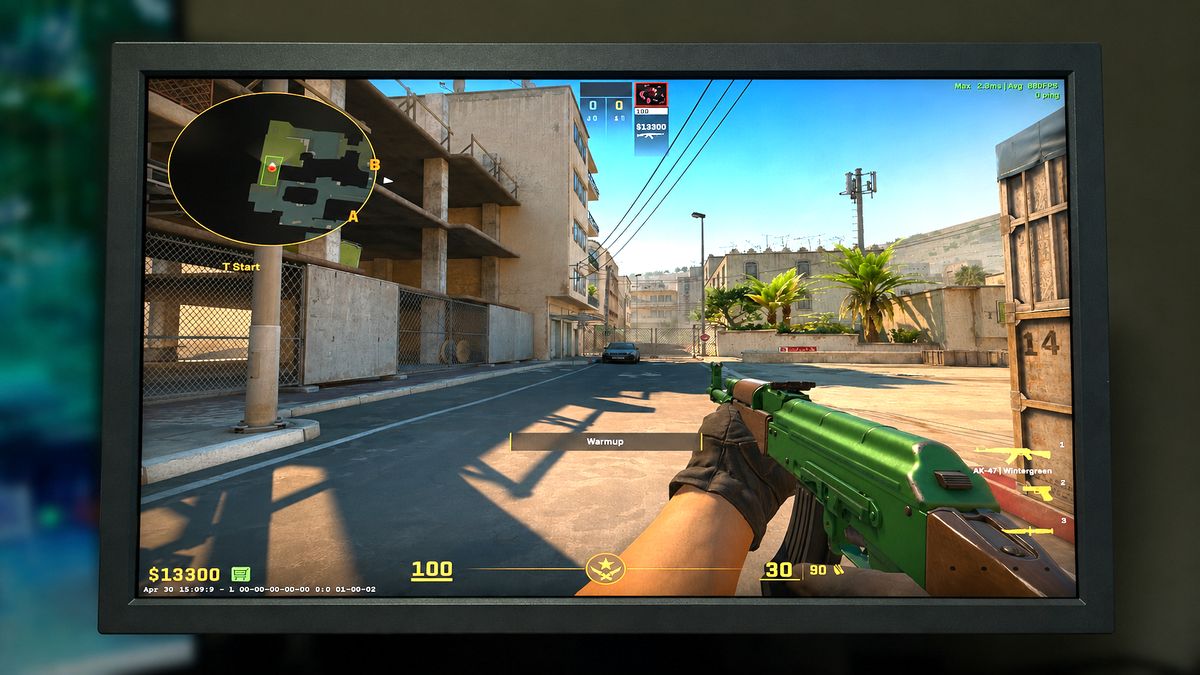
I run CS2 on a pretty high-end rig—featuring a Ryzen 7 7800X3D and RX 9070 XT—and I can't usually hit 600 fps in CS2, even at 1280 x 960 or 1080p. Usually I'm hovering around the 500 mark.
One thing that does make a difference, according to Yxngstxr, is Zowie's DyAc anti-ghosting tech. The team all uses Zowie monitors, as do many other pro players, and it's in part because of this.
"The edge of the players," Yxngstxr says, "get more noticeable."
The PC Gamer Circuit Breaker newsletter breaks down the latest PC gaming tech, and finds you the best deals on the best products
View Original
View Original
View Original
View Original
View Original
View Original
View Original
I noticed the same when I tested the 600 Hz Zowie XL2586X+. The tech is a proprietary kind of backlight strobing that helps improve motion clarity. For most uses it's overkill, but if you're a pro gamer I can see why it would be useful.
However, regarding this DyAc tech, Azuwu says, "I have it on, but it's hard to tell."
If there's one thing we all seemed to agree on, in so many words, it's that when you get up to these ultra-fast refresh rates, the returns start to become diminishing. But given what both pro players said, I don't think I was wrong when I said 360 Hz is the sweet spot for competitive FPS.
1. Best overall / 4K: MSI MPG 322UR X24
2. Best budget 4K: Asus ROG Strix XG27UCG3. Best budget OLEDAlienware AW2726DM
4. Best 1440p: MSI MPG 271QRX
5. Best budget 1440p: KTC H27T22C-3
6. Best 1080p: AOC Gaming C27G4ZXE
7. Best Ultrawide: Gigabyte MO34WQC2
8. Best budget ultrawide: Koorui 34E6UC
9. Best competitive KTC 25M1
👉Check out our full gaming monitor guide👈
Jacob got his hands on a gaming PC for the first time when he was about 12 years old. He swiftly realised the local PC repair store had ripped him off with his build and vowed never to let another soul build his rig again. With this vow, Jacob the hardware junkie was born. Since then, Jacob's led a double-life as part-hardware geek, part-philosophy nerd, first working as a Hardware Writer for PCGamesN in 2020, then working towards a PhD in Philosophy for a few years while freelancing on the side for sites such as TechRadar, Pocket-lint, and yours truly, PC Gamer. Eventually, he gave up the ruthless mercenary life to join the world's #1 PC Gaming site full-time. It's definitely not an ego thing, he assures us.
You must confirm your public display name before commenting
Please logout and then login again, you will then be prompted to enter your display name.Read more: Full article on www.pcgamer.com
What do you think about this?
When you purchase through links on our site, we may earn an affiliate commission. Here’s how it works.
A few months ago I made the case that a 360 Hz refresh rate on your monitor is the sweet spot for competitive FPS before diminishing returns kick in. I had nothing but my own testing and a big bottle of 'trust me bro' back then, but I've now spoken to a couple of Counter-Strike 2 pros and I remain convinced I was right.
At Logitech's G Play event (featuring a Counter-Strike 2 tournament) in Warsaw earlier today, I spoke to Oscar Bell, AKA 'Azuwu', and Simon Boije, AKA 'yxngstxr'. Both currently play for Luminosity, a team that particularly tugs at my CS2 heart strings given it was very big circa 2016 when I was still lapping up the tailwinds of CS:GO novelty.
Regarding refresh rates, Azuwu tells me: "When I had 240 at home, I didn't even really notice 360. But now I'm 360 I can't go back down, you know, I feel it a lot. So I think 360, 400, 600 are all pretty similar... I'd say 400 is a nice spot and 600 is extra nice. But anyway, in a lot of PCs, you won't hit 600 frames."
And Yxngstxr says: "I think it's kind of a placebo, personal thing, you know? Because on most PCs you rarely get 600 fps, right?... 600 Hz with like 300 fps, it doesn't even matter."
I run CS2 on a pretty high-end rig—featuring a Ryzen 7 7800X3D and RX 9070 XT—and I can't usually hit 600 fps in CS2, even at 1280 x 960 or 1080p. Usually I'm hovering around the 500 mark.
One thing that does make a difference, according to Yxngstxr, is Zowie's DyAc anti-ghosting tech. The team all uses Zowie monitors, as do many other pro players, and it's in part because of this.
"The edge of the players," Yxngstxr says, "get more noticeable."
The PC Gamer Circuit Breaker newsletter breaks down the latest PC gaming tech, and finds you the best deals on the best products
View Original
View Original
View Original
View Original
View Original
View Original
View Original
I noticed the same when I tested the 600 Hz Zowie XL2586X+. The tech is a proprietary kind of backlight strobing that helps improve motion clarity. For most uses it's overkill, but if you're a pro gamer I can see why it would be useful.
However, regarding this DyAc tech, Azuwu says, "I have it on, but it's hard to tell."
If there's one thing we all seemed to agree on, in so many words, it's that when you get up to these ultra-fast refresh rates, the returns start to become diminishing. But given what both pro players said, I don't think I was wrong when I said 360 Hz is the sweet spot for competitive FPS.
1. Best overall / 4K: MSI MPG 322UR X24
2. Best budget 4K: Asus ROG Strix XG27UCG3. Best budget OLEDAlienware AW2726DM
4. Best 1440p: MSI MPG 271QRX
5. Best budget 1440p: KTC H27T22C-3
6. Best 1080p: AOC Gaming C27G4ZXE
7. Best Ultrawide: Gigabyte MO34WQC2
8. Best budget ultrawide: Koorui 34E6UC
9. Best competitive KTC 25M1
👉Check out our full gaming monitor guide👈
Jacob got his hands on a gaming PC for the first time when he was about 12 years old. He swiftly realised the local PC repair store had ripped him off with his build and vowed never to let another soul build his rig again. With this vow, Jacob the hardware junkie was born. Since then, Jacob's led a double-life as part-hardware geek, part-philosophy nerd, first working as a Hardware Writer for PCGamesN in 2020, then working towards a PhD in Philosophy for a few years while freelancing on the side for sites such as TechRadar, Pocket-lint, and yours truly, PC Gamer. Eventually, he gave up the ruthless mercenary life to join the world's #1 PC Gaming site full-time. It's definitely not an ego thing, he assures us.
You must confirm your public display name before commenting
Please logout and then login again, you will then be prompted to enter your display name.Read more: Full article on www.pcgamer.com
What do you think about this?