
TheRetroArcade
Veteran
Posts: 10,063
Joined: Feb 2026
Joined: Feb 2026
The recommended specs are a little over-generous so here are the settings I reckon you can compromise to gain some extra performance.
When you purchase through links on our site, we may earn an affiliate commission. Here’s how it works.
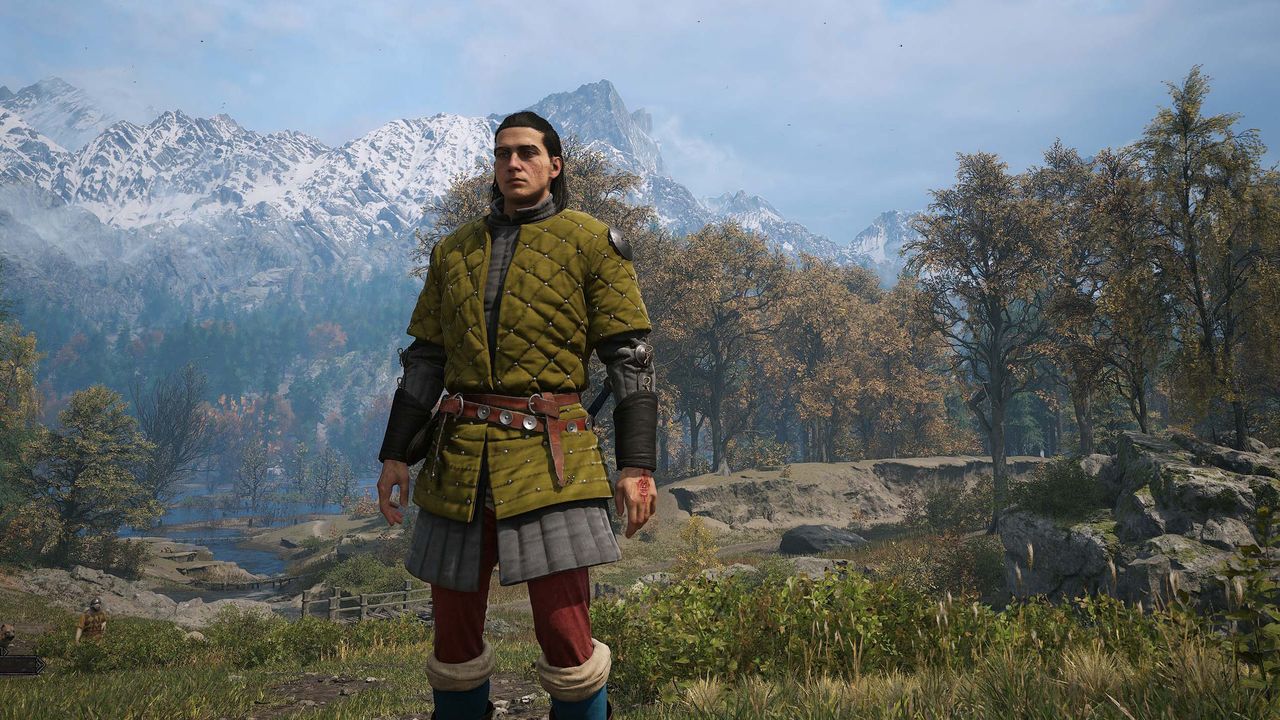
The Blood of Dawnwalker is a punishing game. And not just because of the divisive time-as-a-resource-to-be-managed side of things (or the almost impossible to resist desire to shift 'the' around in the title) but because it will slay your PC in terms of performance. We've covered the fact that in order to hit any of the performance level system requirements you have to enable upscaling in Balanced mode, but it's also worth noting that those system requirements are a little generous, too.
I've been testing Dawnwalker for the past week or so, with a few different setups, and in those forests of Carpathia you're going to either need some more beefy hardware to hit Rebel Wolves' proposed frame rate targets or compromise on those graphics settings.
Which is where I'm coming in here, aiming to help you get the highest frame rate out of your rig without sacrificing the actual look of the game.
And, actually The Blood of Dawnwalker does pretty well even down at the lower end of the graphics settings, still looking relatively crisp and with a detailed open world for you to explore to your vampyric heart's content.
As a representative system, I've picked out Rebel Wolves' mid-range spec, the one designed to net you 60 fps at 1440p. That's an Nvidia RTX 4060 graphics card, with an eight-core AMD CPU at its heart, of which I've selected the AMD Ryzen 7 7700X. This should theoretically be enough to get you that 60 fps target using the High preset in the games.
1080p @ 30 fps
1080p @ 60 fps
1440p @ 60 fps
2160p @ 60 fps
Preset
Low
Medium
High
Ultra
CPU
Intel Core i5 11400F / AMD Ryzen 7 2700X
Intel Core i7 11700K / AMD Ryzen 7 5700X
Intel Core i7 11700K / AMD Ryzen 7 5700X
Intel Core i7-12700K / AMD Ryzen 7 7800X3D
RAM
16 GB
16 GB
16 GB
16 GB
GPU
Nvidia GTX 1060 / AMD RX 580
Nvidia RTX 2060 Super / GTX 1070 Ti / AMD RX 5700 / Intel Arc A750
Nvidia RTX 4060 / AMD RX 7600 XT / Intel Arc B580
Nvidia RTX 4070 Ti / AMD RX 9070
VRAM
6 GB or more
8 GB or more
8 GB or more
12 GB or more
Storage
60 GB SSD
60 GB SSD
60 GB SSD
60 GB SSD
OS
Windows 10 or later, DirectX 12
Windows 10 or later, DirectX 12
Windows 10 or later, DirectX 12
Windows 10 or later, DirectX 12
Dropping that DLSS setting down to Performance—essentially running the game at 720p—will only net you another 6 fps on average
But that is very much going to depend on where you are. Right from the outset you will find yourself running around the dense forests, either with a sword in your hand or with fangs and claws at the ready. And those forests immediately tank your frame rates.
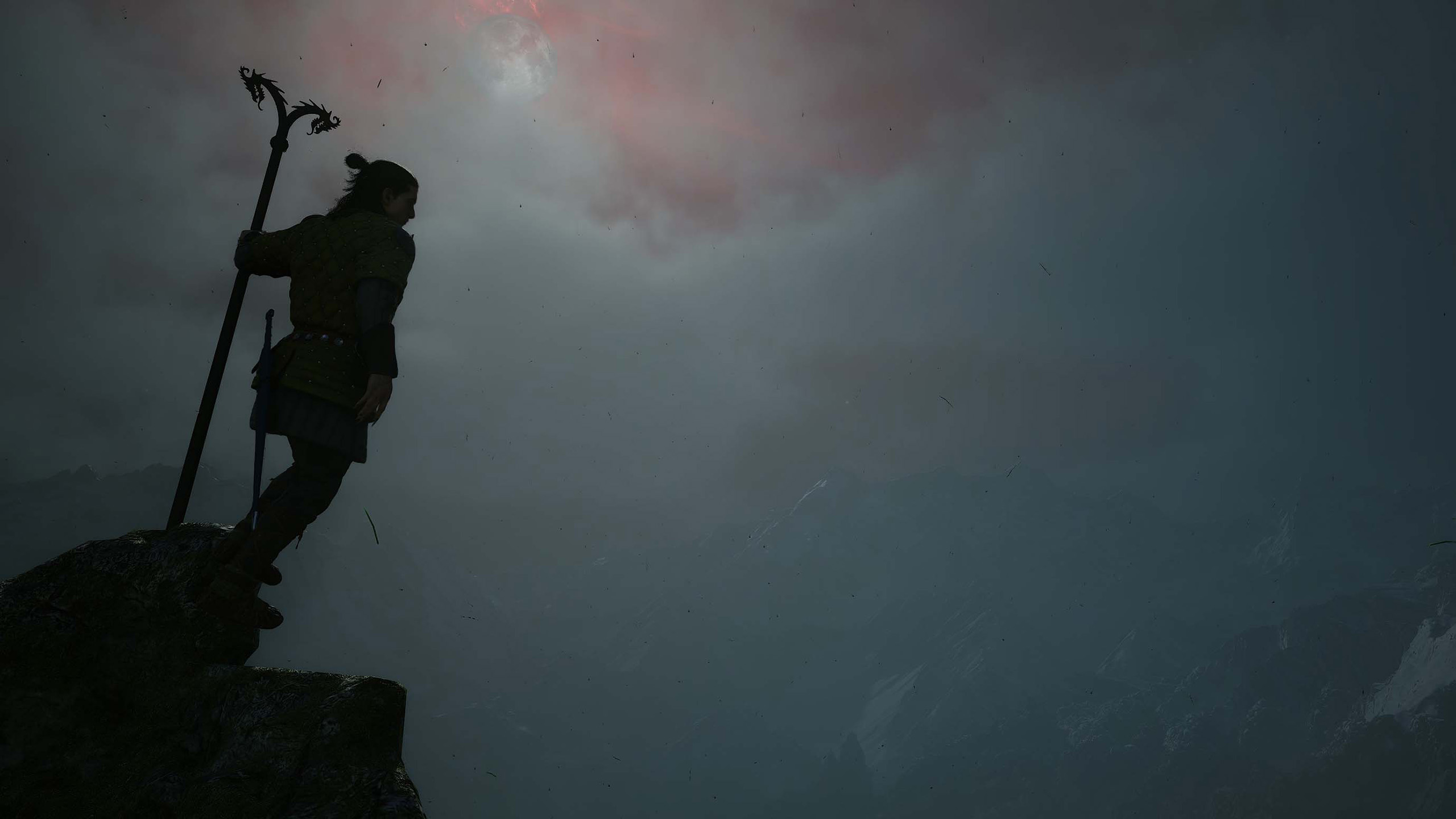
I've picked a repeatable run in Briar Sloughs, through the forest, out into the open and then back in for a scrap with a big ol' slimy monster. And you are lucky to be hitting an average 50 fps at 1440p with High settings even with DLSS set to Balanced.
The PC Gamer Circuit Breaker newsletter breaks down the latest PC gaming tech, and finds you the best deals on the best products
Interestingly, dropping that DLSS setting down to Performance—essentially running the game at 720p—will only net you another 6 fps on average. And although Nvidia has gotten pretty good with the stability of its Performance and Ultra Performance modes, there's still a lot of noise around the foliage in this game. And there's a lot of that.
I've run the game on AMD GPUs, too, and even with FSR 4 enabled in the game I've found the Ultra Performance mode to be even more noisy, with an obvious shimmer in rock textures, too. That initially made me think I was looking at an FSR 3 implementation. You also get a fair bit of fringing around the main character as you're travelling around the gameworld, even with DLSS set to relatively high levels.
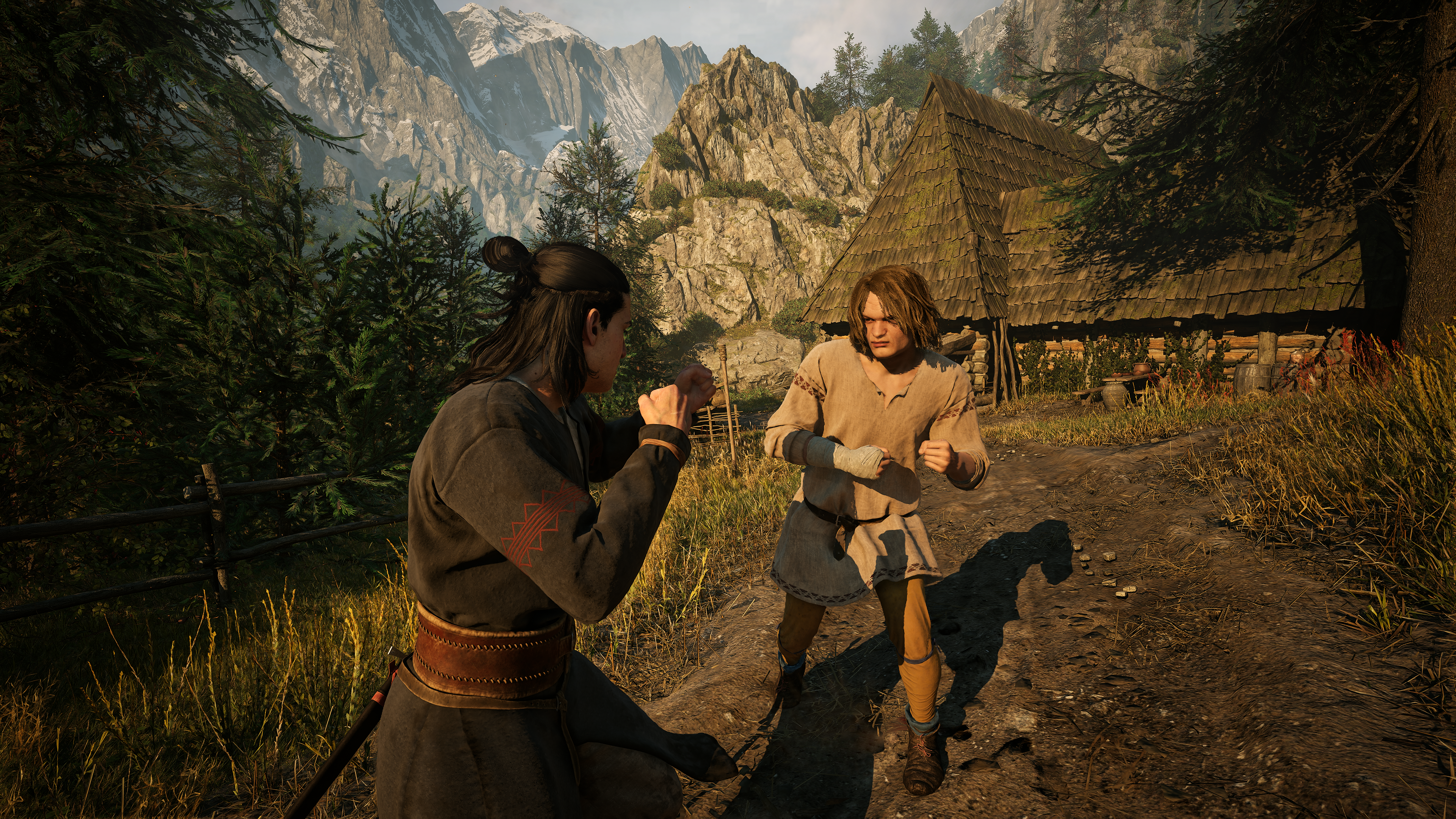
Image compariso...Read more: Full article on www.pcgamer.com
What do you think about this?
When you purchase through links on our site, we may earn an affiliate commission. Here’s how it works.
The Blood of Dawnwalker is a punishing game. And not just because of the divisive time-as-a-resource-to-be-managed side of things (or the almost impossible to resist desire to shift 'the' around in the title) but because it will slay your PC in terms of performance. We've covered the fact that in order to hit any of the performance level system requirements you have to enable upscaling in Balanced mode, but it's also worth noting that those system requirements are a little generous, too.
I've been testing Dawnwalker for the past week or so, with a few different setups, and in those forests of Carpathia you're going to either need some more beefy hardware to hit Rebel Wolves' proposed frame rate targets or compromise on those graphics settings.
Which is where I'm coming in here, aiming to help you get the highest frame rate out of your rig without sacrificing the actual look of the game.
And, actually The Blood of Dawnwalker does pretty well even down at the lower end of the graphics settings, still looking relatively crisp and with a detailed open world for you to explore to your vampyric heart's content.
As a representative system, I've picked out Rebel Wolves' mid-range spec, the one designed to net you 60 fps at 1440p. That's an Nvidia RTX 4060 graphics card, with an eight-core AMD CPU at its heart, of which I've selected the AMD Ryzen 7 7700X. This should theoretically be enough to get you that 60 fps target using the High preset in the games.
1080p @ 30 fps
1080p @ 60 fps
1440p @ 60 fps
2160p @ 60 fps
Preset
Low
Medium
High
Ultra
CPU
Intel Core i5 11400F / AMD Ryzen 7 2700X
Intel Core i7 11700K / AMD Ryzen 7 5700X
Intel Core i7 11700K / AMD Ryzen 7 5700X
Intel Core i7-12700K / AMD Ryzen 7 7800X3D
RAM
16 GB
16 GB
16 GB
16 GB
GPU
Nvidia GTX 1060 / AMD RX 580
Nvidia RTX 2060 Super / GTX 1070 Ti / AMD RX 5700 / Intel Arc A750
Nvidia RTX 4060 / AMD RX 7600 XT / Intel Arc B580
Nvidia RTX 4070 Ti / AMD RX 9070
VRAM
6 GB or more
8 GB or more
8 GB or more
12 GB or more
Storage
60 GB SSD
60 GB SSD
60 GB SSD
60 GB SSD
OS
Windows 10 or later, DirectX 12
Windows 10 or later, DirectX 12
Windows 10 or later, DirectX 12
Windows 10 or later, DirectX 12
Dropping that DLSS setting down to Performance—essentially running the game at 720p—will only net you another 6 fps on average
But that is very much going to depend on where you are. Right from the outset you will find yourself running around the dense forests, either with a sword in your hand or with fangs and claws at the ready. And those forests immediately tank your frame rates.
I've picked a repeatable run in Briar Sloughs, through the forest, out into the open and then back in for a scrap with a big ol' slimy monster. And you are lucky to be hitting an average 50 fps at 1440p with High settings even with DLSS set to Balanced.
The PC Gamer Circuit Breaker newsletter breaks down the latest PC gaming tech, and finds you the best deals on the best products
Interestingly, dropping that DLSS setting down to Performance—essentially running the game at 720p—will only net you another 6 fps on average. And although Nvidia has gotten pretty good with the stability of its Performance and Ultra Performance modes, there's still a lot of noise around the foliage in this game. And there's a lot of that.
I've run the game on AMD GPUs, too, and even with FSR 4 enabled in the game I've found the Ultra Performance mode to be even more noisy, with an obvious shimmer in rock textures, too. That initially made me think I was looking at an FSR 3 implementation. You also get a fair bit of fringing around the main character as you're travelling around the gameworld, even with DLSS set to relatively high levels.
Image compariso...Read more: Full article on www.pcgamer.com
What do you think about this?